Discover all the latest UX improvements, explore the new workflow mode, and uncover hidden features you might have missed. Perfect for anyone who wants to boost their productivity and get the most out of the update.
UX Improvements & New Workflow Mode
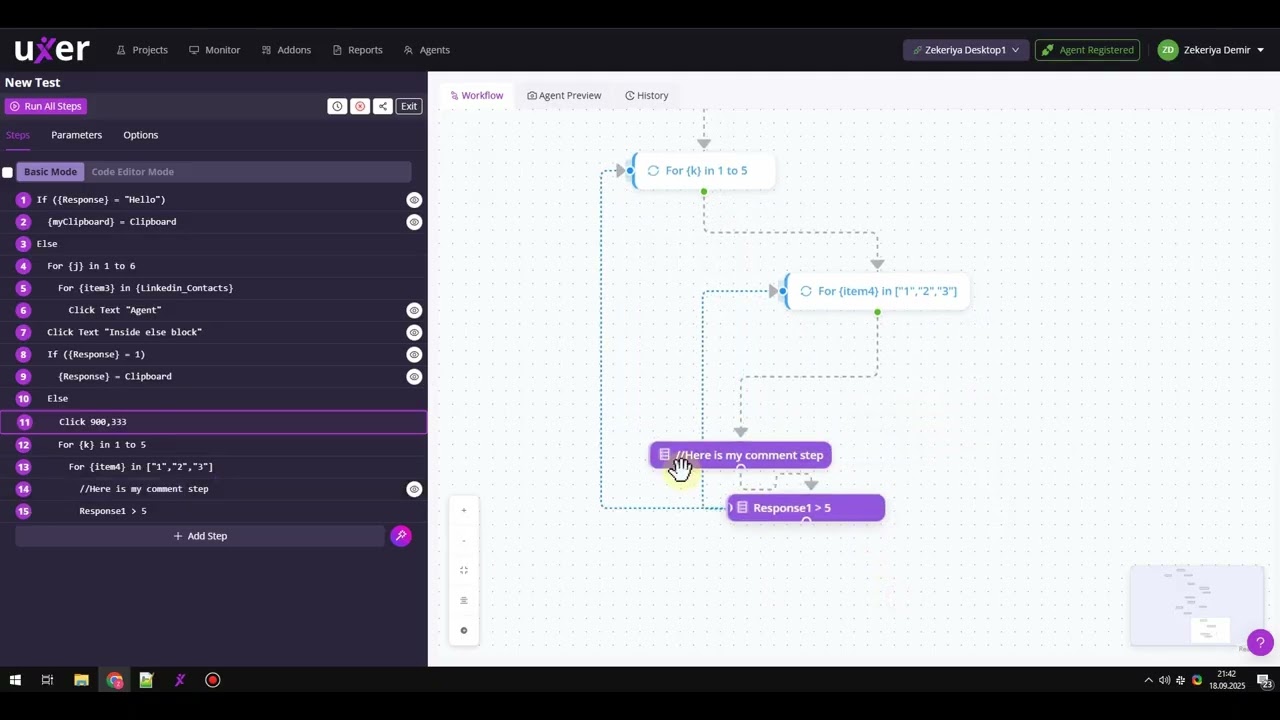
- Workflow canvas mode
- Basic mode & workflow synchronization
- Click to focus on a step, then click one more to edit
- Action palette with categories
- Click coordinates
- If/else block
- For loop
- For count
- Move to parent or child flow
- Drag and drop the order
Existing but not very well-known features
- Run a single step
- Activate/deactivate
- Multi-select steps (or use multi-select)
- Test location
- Use screenshot to create a step
- AI-generated steps